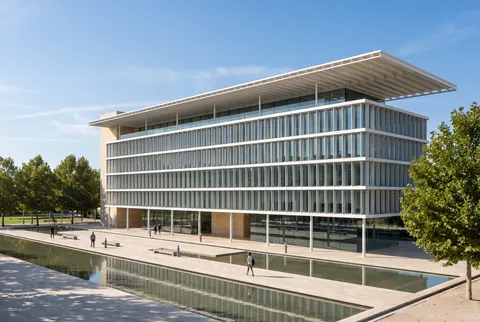
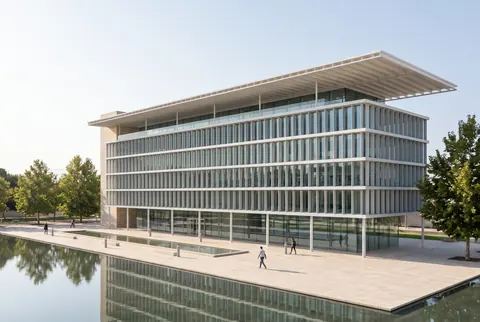
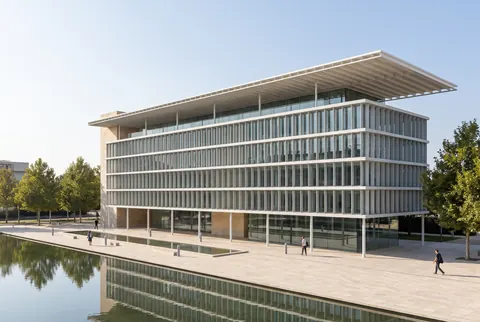
InputRhino view
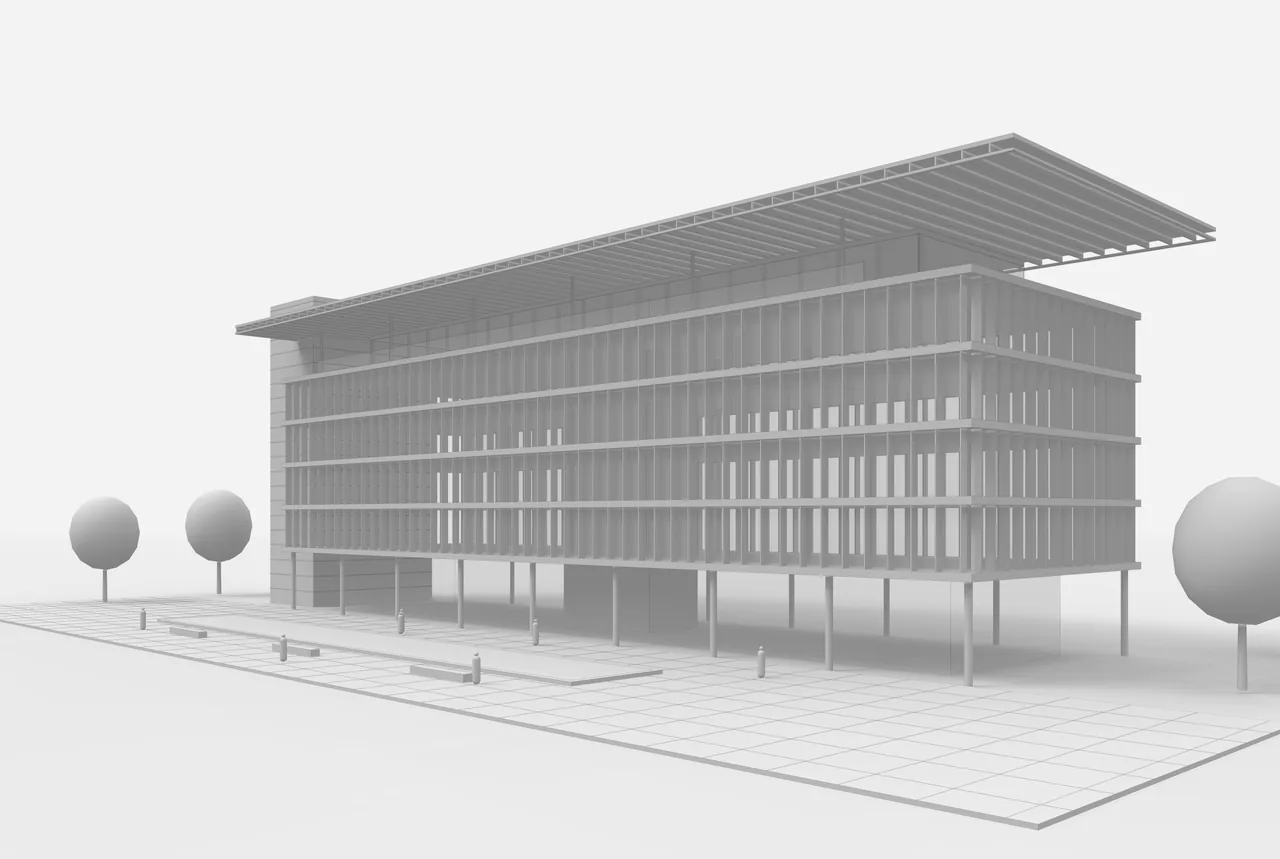
ViewCapture.png
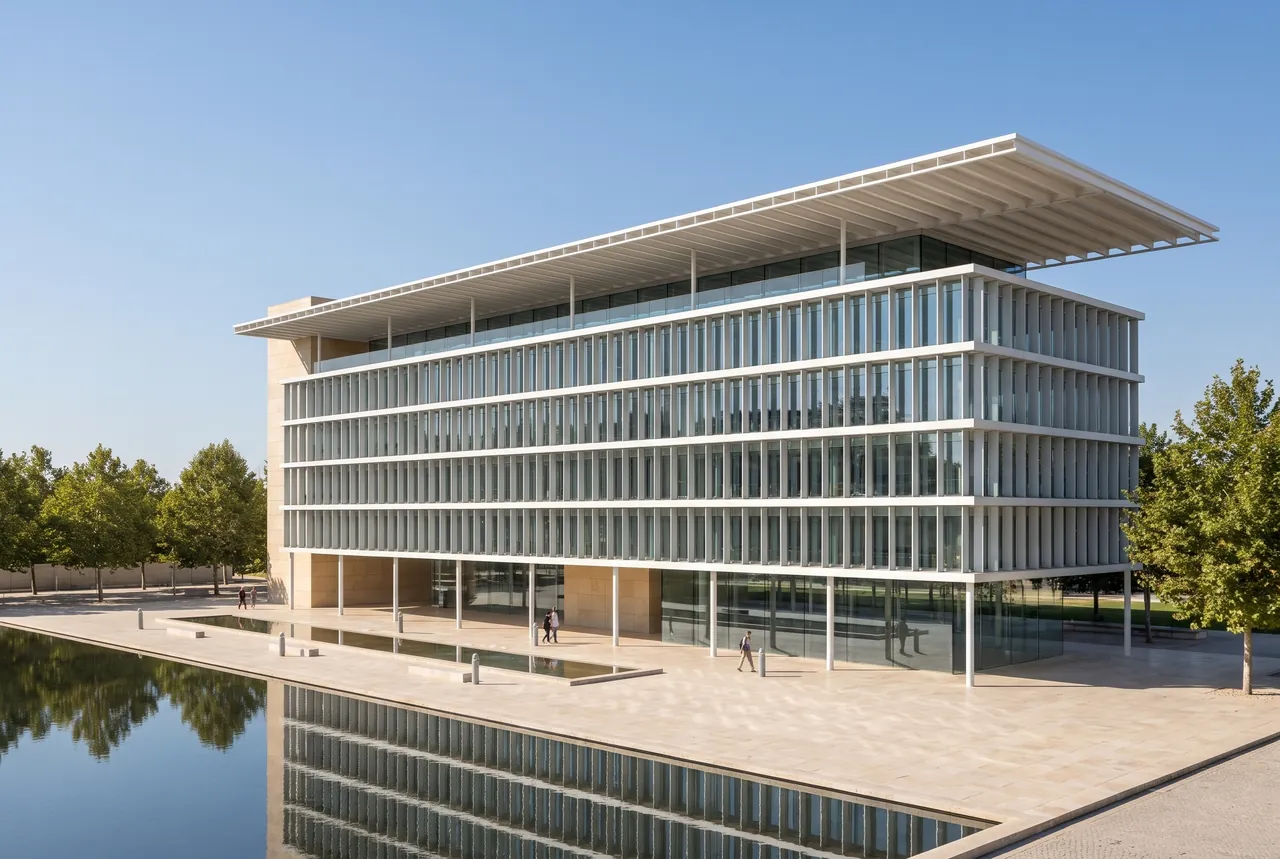
Export a view from Rhino, say what the image should be, and get four photoreal versions from the same camera. Then change any part of one with a selective edit.
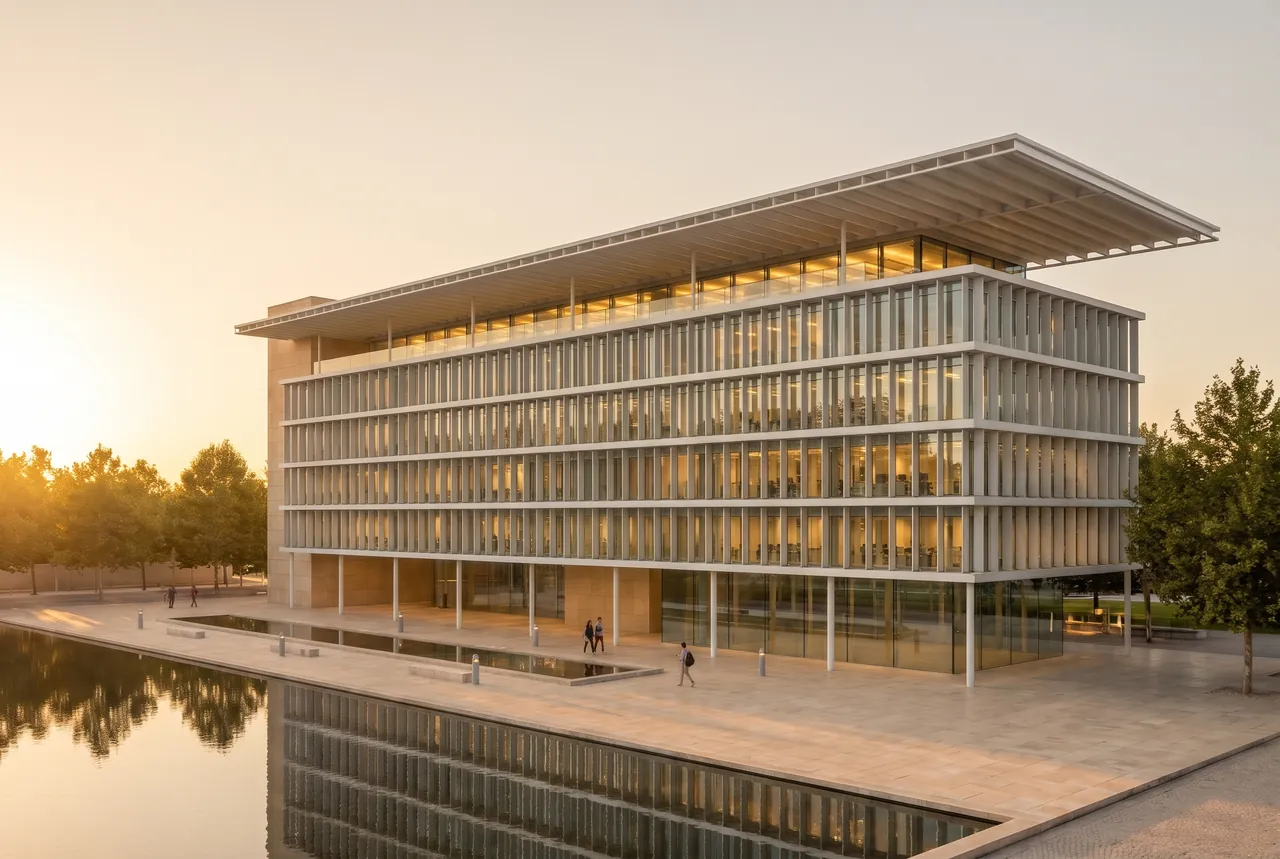 Rhino viewItero renderLock view on · 2K · 4 versions in 27 s
The night before review
Clean the model, set materials, lights and cameras, wait for the render, fix it in post, then do it all again when the design moves. With Itero you describe the image and pick the best of four.
By hand: cleanup, materials, lights, cameras, render, post and a redo, our team's estimate from 8 to 10 years of practice. Itero: measured in the app, 4 renders at 2K in 27 s, plus the time to write the prompt.
How it works
Save the view you want from Rhino with ViewCaptureToFile, or take a screenshot. Views from SketchUp or Revit work too.
Say what you want in plain words. Add a photo for the style or the light. Lock view keeps your camera where you put it.
Keep the version you like, change one part of it with a selective edit, then take it to 4K or a short video.
Selective edits
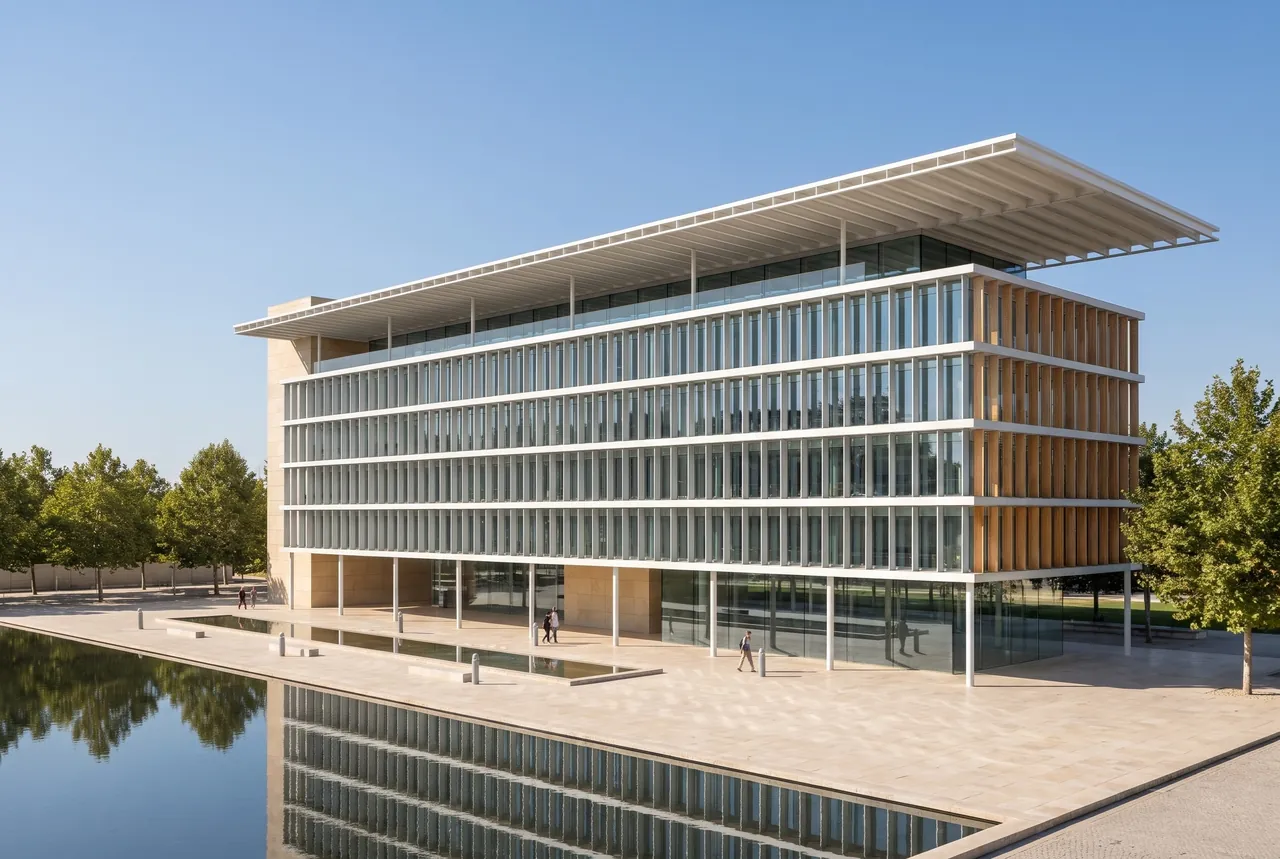
Select an area and say what it should become. Itero redraws only the selection, so the parts of the image you already like stay as they are.
Draw around any shape, freehand or point by point.
Click a surface to select the area of that colour around it.
Select every surface of one material at once, like all the glass.
Take out people, cars or clutter, and fill in what was behind them.
The workspace
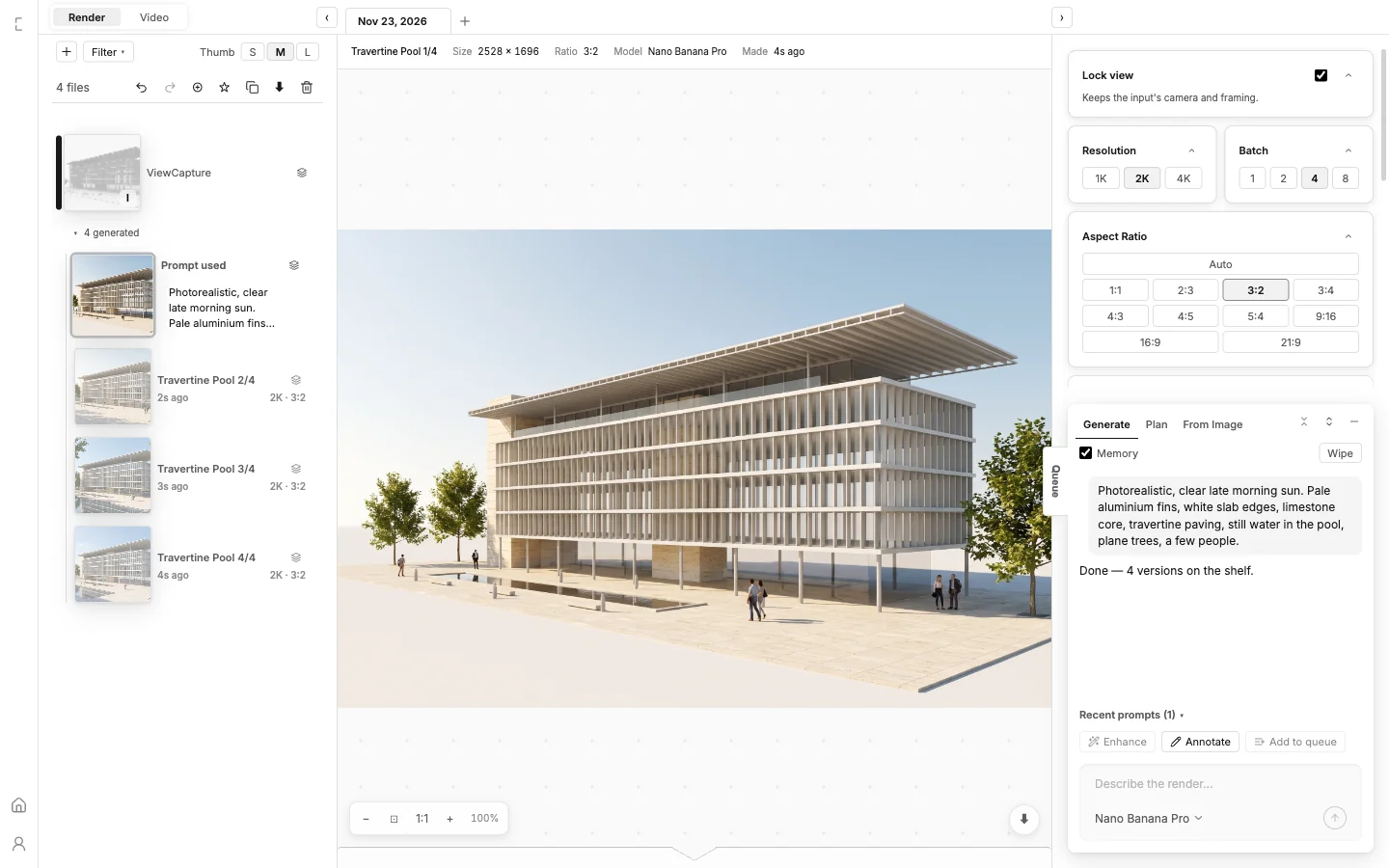
Every version you make.
Size, batch and Lock view.
Ask for changes in words.
Switch spaces to see a project as a graph. Each step keeps its input, references and prompt, so you can branch from any of them, change one thing and run it again.
0:05Try a golden-hour version beside the midday one. Both stay on the graph.
Swap a reference or a word and run that step again. Everything upstream stays as it was.
Open a step to see its input, its references and the exact prompt.
Made for architecture
Keeps the camera and framing of your Rhino view in every version.
same cameraRender at 1K to explore, 2K to present and 4K to print.
1K · 2K · 4KRun one prompt several ways and keep the best one.
1 · 2 · 4 · 8Show it a photo of the mood or the light you are after.
style · lightingDraw on the render to point at what should change, and say how.
pen on the imageSelect one area and change only that, from a facade to the planting.
lasso · wand · materialFrom a square board tile to a 21:9 panorama for the wall.
1:1 · 3:2 · 4:5 · 16:9 · 21:9Every version is kept. Open the project again from any browser.
autosavedWe built Itero for the night before review.
DesignAssist is a team of architects from the Harvard GSD, each with 8 to 10 years of making renders by hand. We built Itero so a Rhino view can become a presentation image the same evening, without a render farm or a weekend in post.
Pricing
No subscription needed. Add credit to your balance once, and each image takes its price from it.
Any whole-dollar amount from $10, paid once. $1 buys 100 credits.
Each render, edit or video takes its price from your balance, which is always in the top bar.
Nothing renews on its own.
| Image | Credits | In dollars |
|---|---|---|
| One render, 1K or 2K | 17 | about 17¢ |
| One render, 4K | 31 | about 31¢ |
| A batch of 4 at 2K | 70 | about 70¢ |
| Video | Depends on model and length. The price shows on Run. | |
With Nano Banana Pro, the default model. $10 makes about 57 renders at 2K.
A subscription on top of pay as you go, for people who render every week. It is not a bundle of credit.
Prices include a platform fee for running Itero. Sales tax is added at checkout where it applies. Other models cost more or less than the default, and the app shows each image's price.
Something else? Write to support@designassist.app and one of us will answer.
Create an account, add credit, and have your first render in a few minutes.